
visarunway.app
Visarunway
Fast-growing visa agency scaling with technology
0→2K
monthly applications in year one
60%
reduction in support inquiries
48h
from kickoff to first live application
Missed consultations, document handovers and biometric appointments cost a visa agency time it cannot bill. Here is how to measure no-shows, remind clients properly and recover quickly when a slot is missed.

Measure the no-show rate for each appointment type, then run a fixed reminder sequence: a confirmation when the slot is booked, a reminder a few days before with the document checklist, and a same-day nudge. Ask the client to confirm, make rescheduling one tap, take a deposit for paid consultations, and follow up within hours when someone misses a slot.
Behind that sit three quite different kinds of appointment, and each fails for different reasons.
The first is the consultation: a prospect or new client booked time with a consultant, often for free, often after seeing an advert. These have the weakest commitment and the highest no-show risk. The second is the document appointment: the client is meant to bring originals, sign forms, or collect a passport. These fail because the client is not ready, not because they forgot. The third is the third-party appointment: biometrics, a slot at a visa application centre, or a consular interview. Your agency may have booked it, but the authority or its contractor sets the rules, and a miss can delay or damage the application itself.
Treating all three the same is the most common mistake. A reminder that works for a consultation ("see you tomorrow at 11") does nothing for a document appointment, where the useful message is "bring these four originals". And a friendly "no problem, we'll rebook" is the wrong reflex for a biometrics slot that the authority expects the applicant to attend.
The rest of this guide walks through measurement, reminder cadence, confirmation flows, deposits, the missed-VAC playbook, and how to turn it into a routine your team runs without thinking. It deliberately contains no industry-wide no-show percentages: there is no reliable published benchmark for visa agencies, so the number that matters is your own.
Start with a definition everyone in the office uses the same way. A no-show is a booked appointment the client neither attended nor cancelled before your cut-off. A late cancellation is one cancelled after the cut-off. A reschedule is a cancellation that became a new booking. Keep them separate. Late cancellations often mean your reminder arrived too late; true no-shows usually mean it never landed, or the client had already gone cold.
The formula is simple: no-shows in a period divided by appointments that were due in that period. Calculate it per appointment type, per consultant, per channel the booking came from, and per day of week. An overall figure hides the pattern you need to see.
| Appointment type | What counts as a no-show | What it costs the agency | First fix to try |
|---|---|---|---|
| Free consultation | Did not join or arrive, no cancellation | Consultant time and a lead that may be gone | Confirmation request the day before |
| Paid consultation | Did not attend, no cancellation before cut-off | Consultant time and an awkward refund conversation | Clear cancellation terms and a deposit |
| Document handover or signing | Did not arrive, or arrived without the required originals | A second appointment and a delayed submission | Checklist reminder three days before |
| Passport collection | Did not collect in the agreed window | Custody risk and storage of a client passport | Same-day reminder with opening hours |
| Biometrics or VAC slot | Applicant did not attend the external appointment | Possible delay, rebooking cost or refusal risk | Morning-of confirmation and travel plan |
Log the reason for each miss when you can reach the client; a handful of causes usually explain most of them. Put the rate on the weekly view the owner actually reads. Our guide to visa agency KPIs covers where it sits alongside conversion and turnaround, and the reporting module is where a platform should show it without anyone building a spreadsheet.
Book a quick demo and see how it works for your visa types.
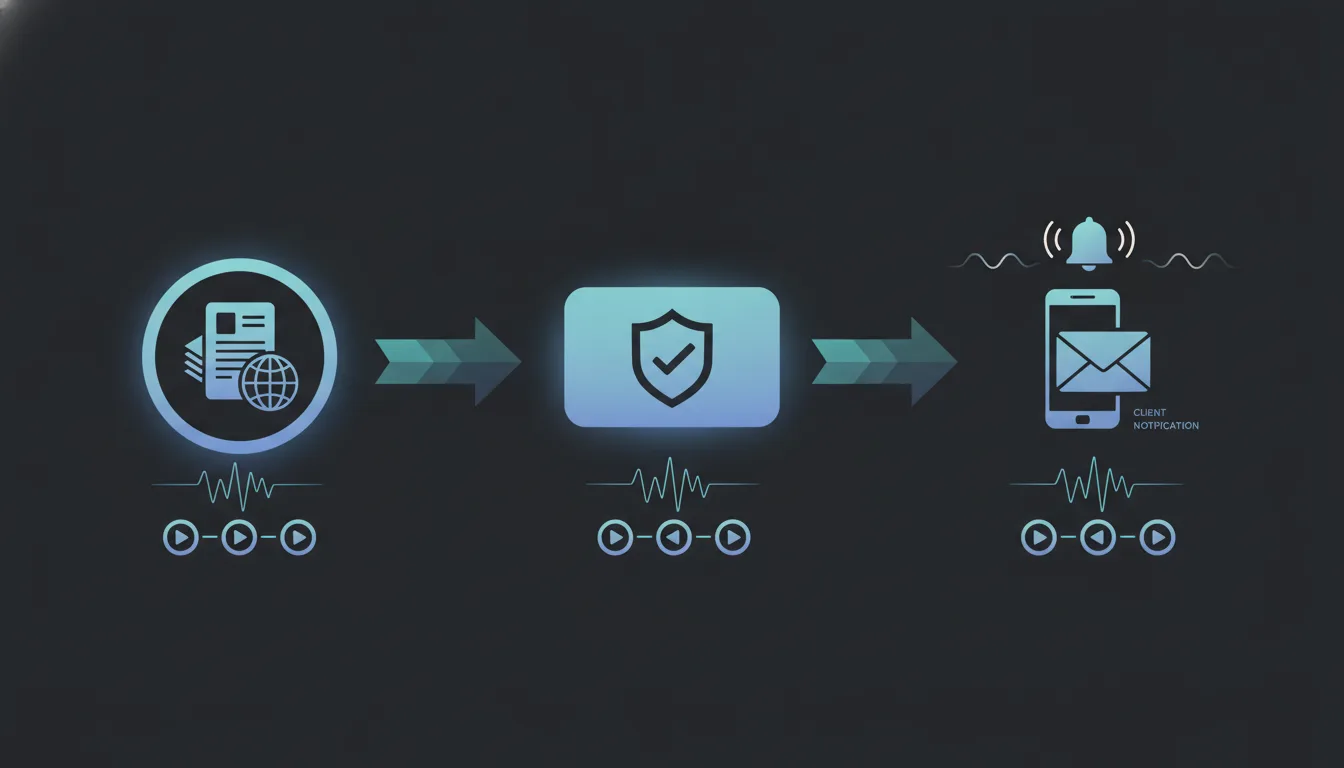
A reminder sequence has one job: make sure the client knows when, where and what to bring, at the moments they can still act on it. That takes several messages, on more than one channel, each with different content.
| Timing | Channel | Content |
|---|---|---|
| At booking | Email and WhatsApp | Date, time, address or video link, consultant name, a calendar file, how to reschedule |
| 3 days before | Document checklist for this appointment type, what originals to bring, ID requirement | |
| 1 day before | WhatsApp or SMS | Short reminder with a confirm or reschedule option |
| Morning of | WhatsApp or SMS | Time, address, parking or entrance note, a direct number |
| 15 minutes after start, if absent | Phone call, then WhatsApp | Check they are on the way; offer the next available slot |
| Same day, if missed | Rebooking link and what happens next |
Adjust the timings to the appointment. A consultation booked for tomorrow does not need a three-day reminder. A biometrics slot booked three weeks out benefits from an extra reminder a week before, because that is when clients discover their passport is at an embassy or their employer will not release them.
A few rules keep the sequence effective:
WhatsApp has its own rules. On the WhatsApp Business Platform, a business can send free-form messages only inside the 24-hour customer service window that opens when the client messages you; outside it, you must use an approved message template. Meta classifies templates as marketing, utility or authentication, and an appointment reminder belongs in the utility category. At the time of writing (September 2026), Meta's pricing page says utility templates sent inside an open customer service window are free, and that per-message pricing has applied since 1 July 2025. Check the current figures on Meta's page before you budget. Our WhatsApp automation guide covers template approval in more detail.
Keep reminders purely informational. The UK Information Commissioner's Office treats messages that confirm or remind people about appointments as service messages rather than direct marketing, but it is explicit that a service message containing promotional content counts as direct marketing, even if the promotion was not its main purpose. So "Your appointment is tomorrow at 11:00" is fine; adding "Ask us about our new Schengen express package" changes the legal footing. Other jurisdictions draw the line in their own way, so check yours.
If you want these sequences to run from the application record rather than from someone's phone, that is what multi-channel communication in a visa platform is for, and the same logic powers automated status updates.
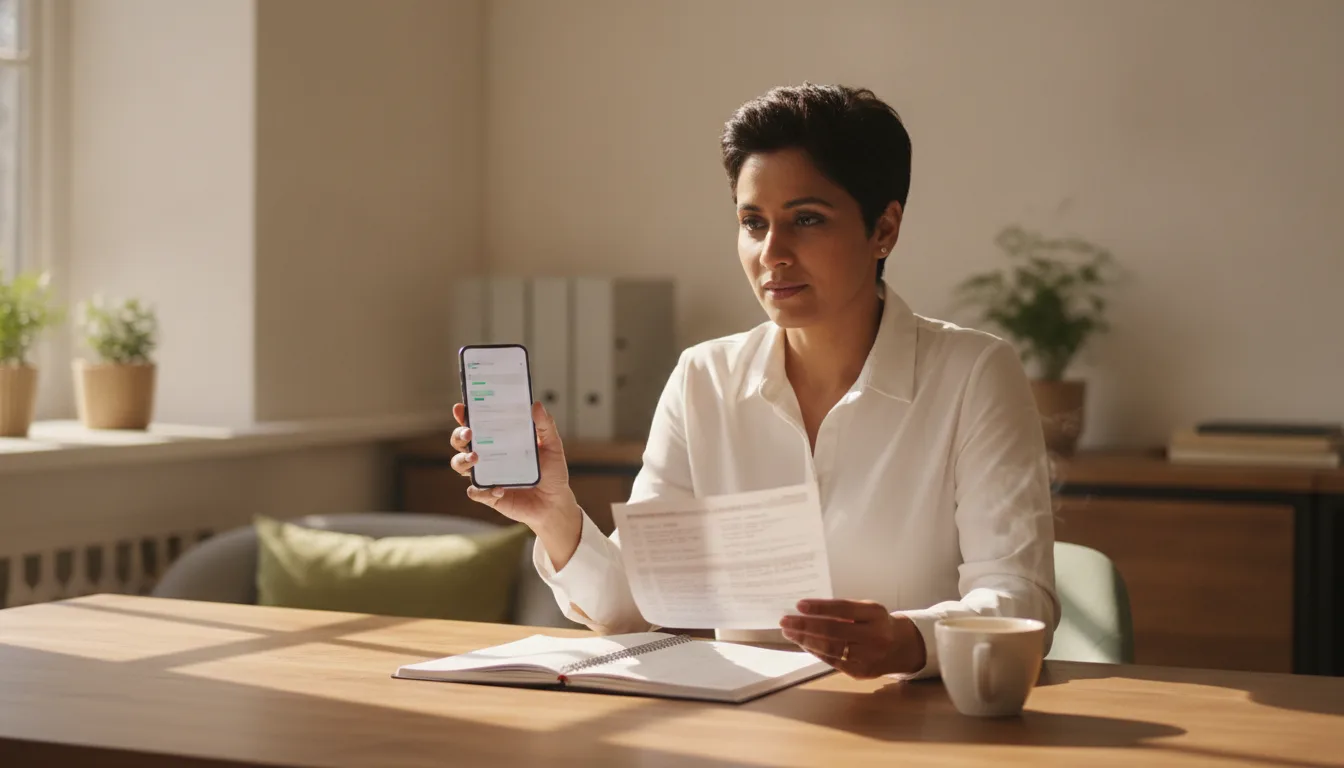
Ask them to confirm. A reminder tells you a message was sent; a confirmation tells you a person read it and intends to come. That difference is what lets you act before the slot is wasted instead of after.
A workable confirmation flow looks like this:
The last step matters more than it looks. Clients often skip an appointment because rebooking feels like effort, or because they are embarrassed that their documents are not ready. Making the reschedule path faster than silence removes both excuses.
For document appointments, pair the confirmation with a readiness check. Ask the client to tick off the checklist items they already have. If three of five are missing, move the appointment rather than let them arrive and leave with nothing done. The same checklist logic sits behind automating document collection, and clients who can upload scans through a portal before they arrive usually need shorter, better-prepared appointments.
What should every confirmation message contain?
They can, for the right appointment type. A deposit changes the client's commitment from "I might go" to "I have paid". It is most useful for paid consultations and for premium services where a consultant blocks out significant time. It makes little sense for a document handover on a file the client has already paid for.
| Policy | Where it fits | What to watch |
|---|---|---|
| Deposit credited against the service fee | Paid consultations, assessment calls | State clearly that it is credited, not an extra charge |
| Paid consultation with free rescheduling up to a cut-off | Advice-heavy services with long appointments | Pick a cut-off clients can realistically meet |
| Free consultation with confirmation required | Lead-generation consultations | Unconfirmed slots should be released, not left open |
| Rebooking fee after repeated no-shows | Document appointments on active files | Apply consistently and explain it in the engagement terms |
| Priority booking for clients who confirm early | Peak season when slots are scarce | Keep the rule simple enough for staff to apply |
Three cautions. First, cancellation terms must be agreed before the booking, in writing, and must follow the consumer-protection rules where you operate; a policy you invent after a missed appointment is a dispute, not a policy. Second, keep government fees and your own service fee clearly separated in anything you charge or refund; our glossary entry on government fees versus service fees explains why that distinction protects you. Third, a deposit is only practical if paying it is easy, which in practice means a payment link sent with the booking confirmation. The payment processing guide covers the options.
Treat it as a case event, not an admin nuisance. For external appointments the rules come from the authority or its appointed contractor, and they differ by country, visa type and centre. Your job is to know what the rules say for this application and act on them quickly.
The United States is a clear example of how serious it can be. USCIS says applicants who need to reschedule a biometric services appointment must request it through their USCIS online account and establish good cause, at least 12 hours before the appointment; with less time left, they must call the USCIS Contact Center. It also warns that if an applicant misses the appointment without requesting a reschedule beforehand or without good cause, USCIS may consider the application abandoned and it may be denied.
Other authorities set deadlines in the biometric instruction letter or appointment notice, and application centre operators publish their own rescheduling terms. Do not rely on memory or on what applied last year. Record the specific deadline from the client's own letter against the application record.
When a miss happens, run the same sequence every time:
Prevention is cheaper. For every external appointment, send the morning-of confirmation, ask how the client is travelling there, and confirm they have their passport in hand. Passports held at another embassy are a common cause of trouble in multi-country applications. Appointment scarcity makes all of this more acute, which is covered in our piece on visa appointment bottlenecks, and the biometrics glossary entry explains what the client is actually attending.
The agencies that keep no-shows low do not rely on a diligent receptionist. They write the routine down, give it an owner and let the system run the repetitive parts.
A one-page no-show procedure should cover:
Review the numbers weekly for the first two months, then monthly. Look for patterns rather than individuals: a consultant whose bookings miss more often may be booking too far ahead, and a campaign whose leads never arrive may be attracting the wrong audience. The fix is usually upstream of the reminder.
Keep the tone of every message warm and specific. Anxious clients reply less to messages that read like penalty notices. Our guide to client communication goes deeper on tone and timing.
Tell us what you need and we'll come back with a plan. Nothing to pay until it's delivered.
Get started →Everything above can be done with a calendar, a phone and discipline. It stops being practical once you have several consultants, hundreds of active files and clients across time zones. At that point the reminders need to be triggered by the appointment record itself, confirmations need to update the calendar, and the no-show rate needs to be calculated without anyone exporting data.
VisaCRM is built and run for visa agencies on their own brand, and it handles applications, documents, payments and client communication in one place, including reminder sequences sent over email and WhatsApp from the application record. It does not book government appointments, fill in government forms or give immigration advice; those stay with the authority and with your qualified staff.
What automation does well is remove the repetitive follow-up that eats a team's day. Visarunway, for example, grew from zero to 2,000 applications a month and cut repetitive client enquiries by roughly 60 percent; the Visarunway case study shows how. That is a result about enquiries, not about no-shows, but it comes from the same principle: clients who are told the right thing at the right time need fewer chasers.
If you want to see a reminder and confirmation flow running on a live application record, book a walkthrough.
There is no reliable published benchmark for visa agencies, so compare against your own history rather than an industry figure. Measure no-shows separately for free consultations, paid consultations, document handovers and external appointments, because they behave very differently. The useful target is a steady fall in each category month by month after you introduce confirmations and a fixed reminder sequence.
Most agencies need three or four touchpoints: a confirmation at booking, a checklist reminder a few days before, a short reminder with a confirm option the day before, and a same-day nudge. Long-lead appointments such as biometrics slots booked weeks ahead benefit from one extra reminder. Stop the sequence automatically as soon as the client reschedules or cancels.
Yes, through the WhatsApp Business Platform, but outside the 24-hour customer service window you must use an approved message template, and appointment reminders fit Meta's utility category. Free-form replies are only possible inside the window that opens when the client messages you. Check Meta's current pricing page, because the pricing model changed on 1 July 2025.
Generally not, when they are purely informational. The UK ICO treats messages that confirm or remind people about appointments as service messages rather than direct marketing. However, adding a promotion to a reminder turns it into direct marketing, even if the promotion is a small part of it. Keep reminders factual, and check how your own jurisdiction draws the line.
USCIS says that if an applicant misses a biometric services appointment without requesting a reschedule beforehand or without establishing good cause, it may consider the application abandoned and deny it. Reschedule requests go through the USCIS online account at least 12 hours before the appointment, or through the Contact Center if less time remains. The agency should contact the client the same day.
Rules, fees and processes change. We checked this article against the official sources below on 16 September 2026 — confirm anything time-sensitive with the source before you rely on it.
The patterns in this article are already deployed across these platforms. Different brands, different visa types — one engine underneath.
Practical guides that go deeper on running a modern visa business.